
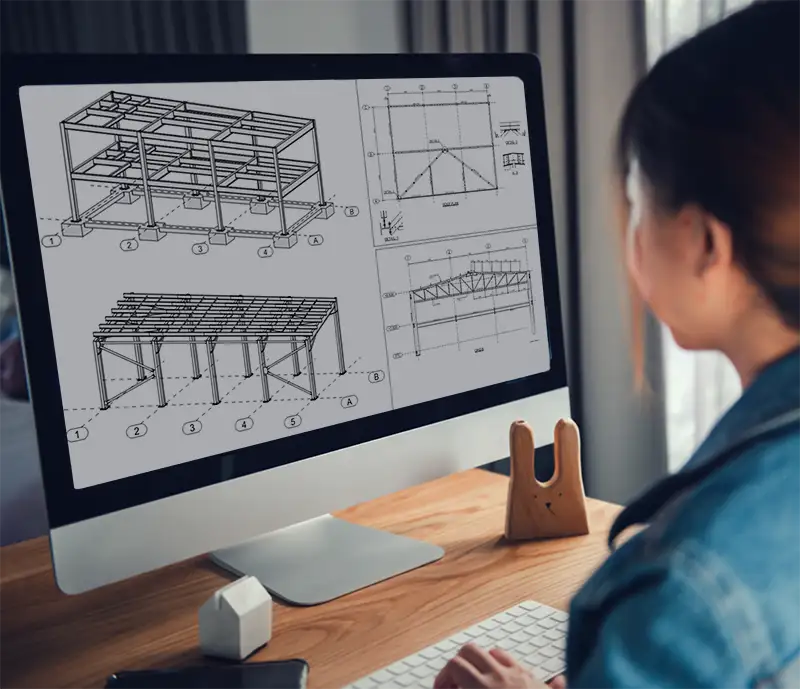
Tekla Structures for Steel Detailers Course

Tekla Structures for Steel Engineers Course

Learn to Model Structural Projects in Tekla Structures

Elevate your engineering workflow with hands-on, step-by-step training in Tekla Structures. The Tekla Structures for Engineers Course is designed to equip structural engineers with essential modelling skills to create precise structural models and professional General Arrangement (GA) drawings.

Through practical, real-world exercises, this online course demonstrates how Tekla Structures functions in practice—not just theory. By the end of the training, you’ll be confident in modelling structural elements and producing accurate engineering drawings within your Tekla projects.


Course Requirements

To complete this course you will need access to Tekla Structures. Students can obtain a free educational licence via Tekla Campus, which provides a 12-month licence for learning purposes.

What You’ll Learn

By completing this course you will learn how to:

  • Set up and organise a Tekla Structures model
  • Model structural elements including columns, beams and footings
  • Create connections and structural components
  • Work efficiently across multiple views and workplanes
  • Model plates, holes, bracing and structural details
  • Produce engineering-style GA drawings
  • Edit and manage drawings within Tekla Structures
  • Apply drawing standards suitable for engineering documentation

Course Overview

  • Course format: Self-paced online training
  • Access period: 3 months
  • Environment: Australasian Tekla Structures environment
  • Training materials: Video tutorials, drawings and step-by-step instructions

Course Curriculum

The course consists of seven structured tutorials, progressing from modelling fundamentals through to drawing production.

· Create a new model and grids

· Create model views

· Model footings, columns and beams

· Apply connections such as baseplates and endplates

· Work with offsets and rotations

· Model portal frames and bracing

· Work with workplanes and true plan views

· Model purlins, roof bracing and bridging

· Explore 3d modelling techniques

· Model plates using Contour Plate and beam tools

· Learn how to model holes and welds

· Model stairs and stringers

· Apply mitre joints and cutting tools

· Create folded plate elements

· Create custom components

· Model stiffeners and baseplates

· Apply bolts, penetrations and notches

· Generate general arrangement drawings

· Create elevations, plans and 3D perspectives

· Edit drawings and presentation settings

· Configure engineering-style GA drawings

· Customise section arrows and view labels

· Create 2D library symbols and CAD details

· Apply engineering numbering and footing elements

Tekla Structures for Engineers Course